
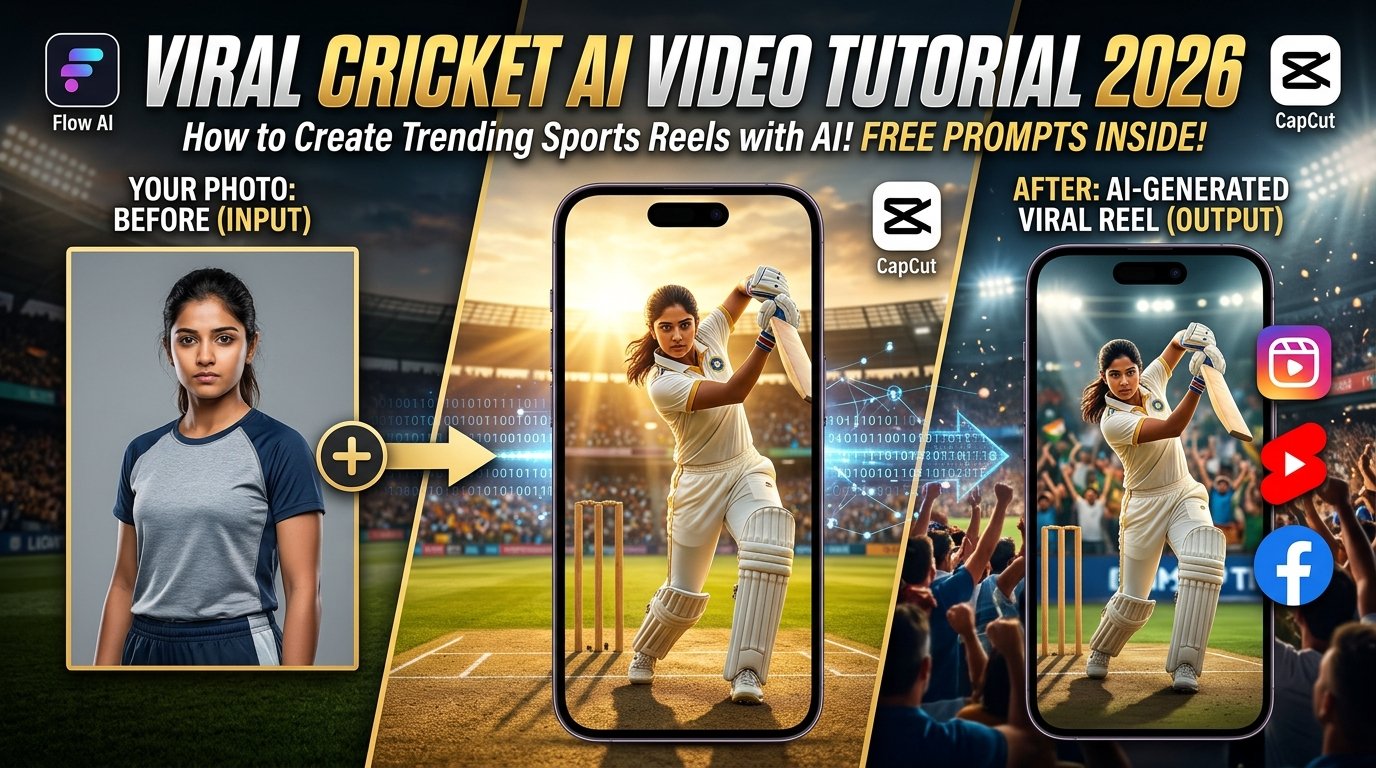
Viral cricket AI videos have taken social media platforms like Instagram Reels, YouTube Shorts, and Facebook by storm, captivating audiences with creative visuals, realistic physics, and high-energy sports moments. Leveraging artificial intelligence, creators can transform simple concepts into exciting, broadcast-quality cricket scenes without needing expensive cameras, professional lighting rigs, or advanced editing suites.
This comprehensive guide covers everything you need to craft your own high-impact cricket video, featuring professional prompt engineering, multi-step tool workflows, and expert optimization tips.
What You Need to Create a Viral Cricket AI Video
To get started with AI sports content generation, you need a combination of the right tools and structured instructions:
- An AI Video Generator: A platform supporting text-to-video or image-to-video pipelines (such as Flow AI) to render realistic stadium environments, batting stances, and bowling actions.
- Reference Assets: Optional image or video references if your tool supports character and motion tracking for enhanced visual control.
- A Detailed Prompt: A meticulously crafted prompt outlining the sport action, camera movement, stadium atmosphere, and broadcast visual style.
- Post-Processing Editor: A mobile editor like CapCut to trim clips, synchronize beat drops, and layer stadium sound effects.
Interactive AI Prompt Workspace
Use the interactive tool below to grab the master-crafted cinematic cricket AI prompt. Click the “Copy Prompt” button to copy it straight to your clipboard.
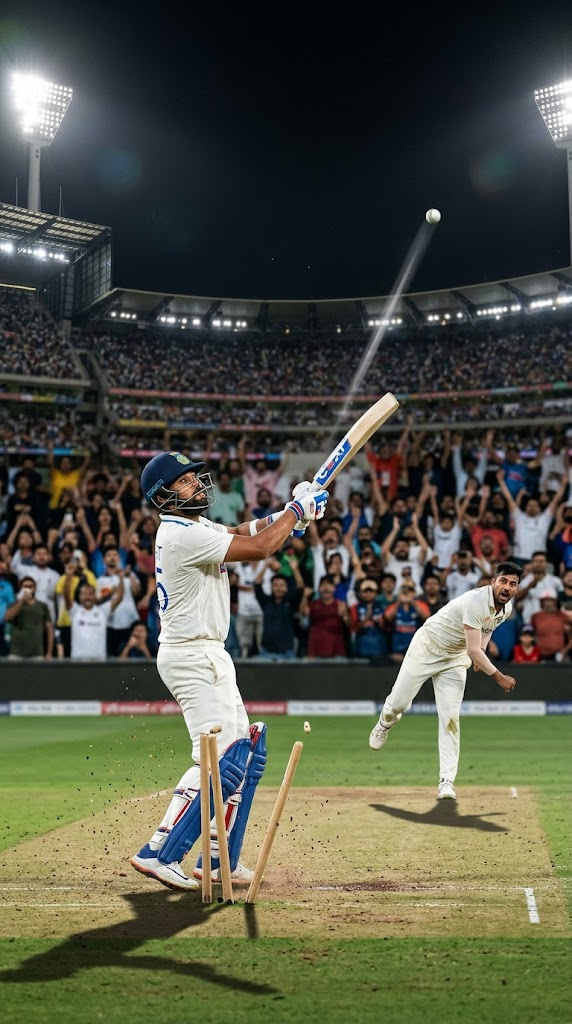
Create an ultra-realistic cinematic cricket video set inside a massive international cricket stadium during an exciting match. A professional cricket batter stands confidently on the pitch wearing a realistic cricket uniform, gloves, pads, and a helmet. The bowler runs toward the batter and delivers the ball with natural athletic movement. The batter performs a powerful cricket shot, sending the ball high into the stadium as the crowd reacts with excitement. Capture the action with dynamic cinematic camera movements, realistic ball physics, detailed stadium lights, a vibrant crowd, natural body movements, accurate cricket equipment, realistic shadows, and professional sports cinematography. Use dramatic lighting, sharp details, natural colors, smooth motion, and a high-quality broadcast-style visual appearance. Maintain consistent player appearances, realistic anatomy, and believable cricket actions throughout the scene. Vertical 9:16 aspect ratio, suitable for Instagram Reels and YouTube Shorts, no unnecessary text, no logos, no watermarks.
Step-by-Step Tutorial: How to Create Your Viral Cricket Video
Step 1: Choose Your AI Platform
- Open your preferred AI video generation suite (such as Flow AI) that supports text-to-video or motion-reference pipelines.
Step 2: Input the Prompt and Settings
- Copy the master prompt from the interactive code widget above and paste it into the prompt dialogue box.
- Configure your output settings to a 9:16 vertical aspect ratio to ensure mobile optimization for Reels and Shorts.
Step 3: Generate and Preview
- Click Generate and wait for the neural network to render the sports sequence. Review the output carefully to check whether the player movements, ball trajectory, and camera angles look natural.
Step 4: Edit and Enhance
- Import your downloaded AI clip into a mobile editor like CapCut, trim unnecessary sections, synchronize the bat impact with sound effects, and export your final reel.
Best Tips to Make Your Cricket AI Video Look Professional
- Keep Actions Focused: Clearly specify whether your prompt centers on a batting drive, a bowling delivery, or a stadium celebration to prevent overcrowded scene rendering.
- Fixing Common Artifacts: If the AI produces distorted bats or unnatural hand positions, simplify the prompt instructions or render shorter clips for easier stitching.
- Audio & Pacing: Enhance the opening seconds with a compelling visual hook or title card, and layer authentic crowd cheering sound effects to maximize viewer retention.
Frequently Asked Questions (FAQs)
Q1: Do I need professional editing equipment to make these videos?
Answer: Not at all. Entire viral sports clips can be generated and formatted using just a smartphone and AI generation tools.
Q2: What aspect ratio is best for social media sharing?
Answer: Always configure your output to a 9:16 vertical format, which is fully optimized for mobile viewing on Instagram Reels, YouTube Shorts, and Facebook.
Q3: Can I feature real cricket players in my AI videos?
Answer: While AI can stylize athletic scenes, creators should avoid misleading viewers into believing generated fiction is authentic live-action sports footage.