
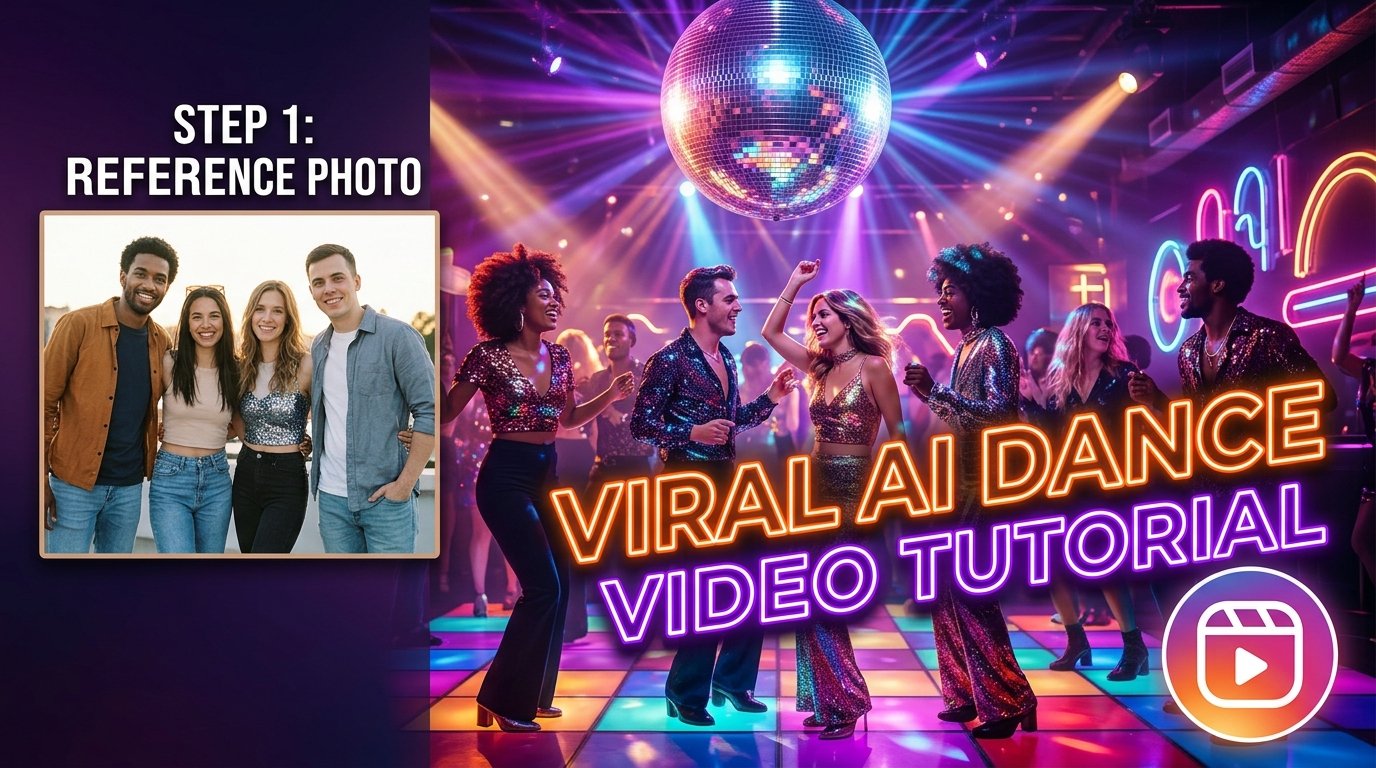
The Friends Disco Dance Video AI trend is a fun and creative way to transform ordinary photos into entertaining dance videos using artificial intelligence. This editing style is inspired by the popular disco dance aesthetic, featuring colorful lights, retro outfits, energetic dance moves, and a lively party atmosphere. With the help of AI video generation tools, you can create engaging videos featuring yourself, your friends, or even fictional characters dancing together. These videos are perfect for Instagram Reels, YouTube Shorts, and other social media platforms where creative and entertaining content attracts attention.
Interactive AI Dance Animation Prompt Workspace
Click the copy button below to grab the master-crafted video generation prompt for your AI tools without cluttering your workflow.
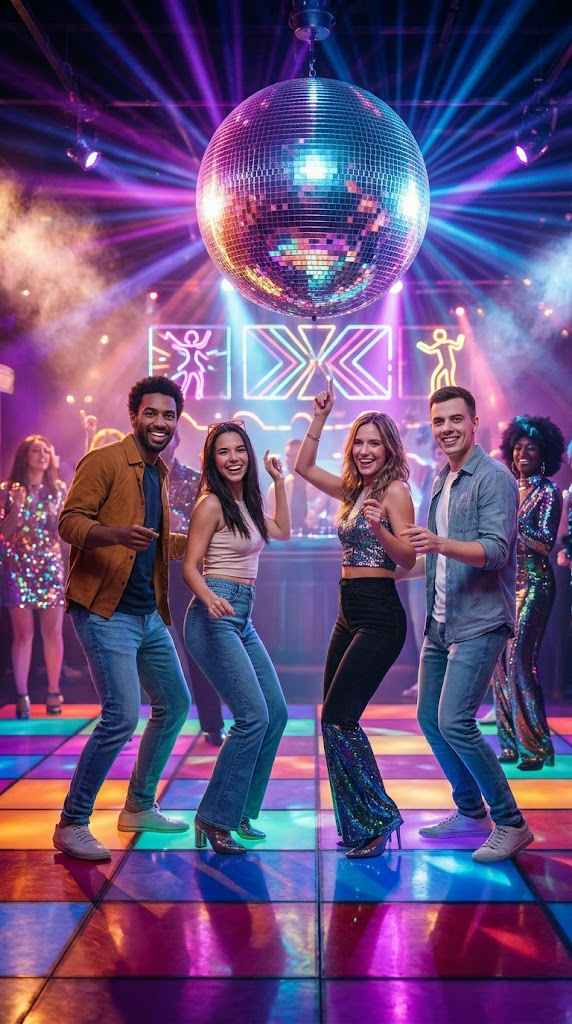
Create an ultra-realistic, energetic disco dance video featuring the people from the uploaded reference image dancing together at a vibrant retro disco party. Preserve each person’s original facial identity, skin tone, hairstyle, clothing details, and recognizable appearance as closely as possible. Animate the subjects with synchronized, natural, rhythmic disco dance moves, playful hand gestures, coordinated footwork, and joyful expressions. Set the scene inside a stylish vintage nightclub with a glowing disco ball, colorful neon lights, purple and blue lighting, warm pink highlights, reflective dance floors, and a lively retro party atmosphere. Use smooth full-body movements, realistic human anatomy, natural body proportions, cinematic lighting, subtle camera motion, and fluid transitions. Keep the original subjects recognizable throughout the video, avoid facial distortion, extra limbs, unnatural movements, flickering, and sudden changes in appearance. Create a polished vertical 9:16 video suitable for Instagram Reels and YouTube Shorts, with high visual quality and a fun, nostalgic disco aesthetic.
How to Create a Friends Disco Dance Video Using AI
Creating a Friends Disco Dance Video with AI is simple, even if you have no professional video editing experience.
- Choose Your Source Photo: Select a clear photo of the person or group you want to feature in the video. For better results, use a high-quality image with visible faces and a suitable body position.
- Animate via AI: Open an AI video generation tool that supports image-to-video animation, upload your selected photo, and enter a detailed prompt describing the disco dance scene. The AI tool will analyze the image and generate movement based on your instructions.
- Review & Edit: Preview the result and check whether the dance movements, facial details, clothing, and background look natural. Download the generated clip and use a video editor such as CapCut to add music, transitions, effects, and color adjustments.
Tips for Getting Better AI Dance Video Results
- Start with High-Quality Images: Always begin with a sharp and well-lit reference image. Blurry photographs, hidden faces, and heavily cropped bodies make it harder for AI tools to generate consistent movements.
- Clear Group Composition: If you want multiple friends to dance together, choose a reference image in which everyone is clearly visible and has enough space around them.
- Focus on Simple Actions: Keep your instructions focused on a few specific dance movements instead of adding too many complicated actions to a short clip.
- Generate Multiple Versions: Generate several versions if your chosen tool supports multiple attempts, because AI animation can produce different results from the same prompt.
How to Edit the Final Video for Instagram Reels
After generating your AI dance clip, you can improve its appearance with simple editing techniques:
- Import the video into CapCut or another video editor and select a vertical 9:16 canvas for social media platforms.
- Add a suitable retro disco soundtrack or a currently trending audio track that matches the rhythm of the dance.
- Use beat synchronization, subtle zoom effects, smooth transitions, and light color adjustments to make the video more engaging.
- Avoid adding too many filters or flashy effects because they can distract viewers from the dance itself.
- Watch the complete video before publishing to identify visual glitches, audio timing problems, or awkward cuts.