
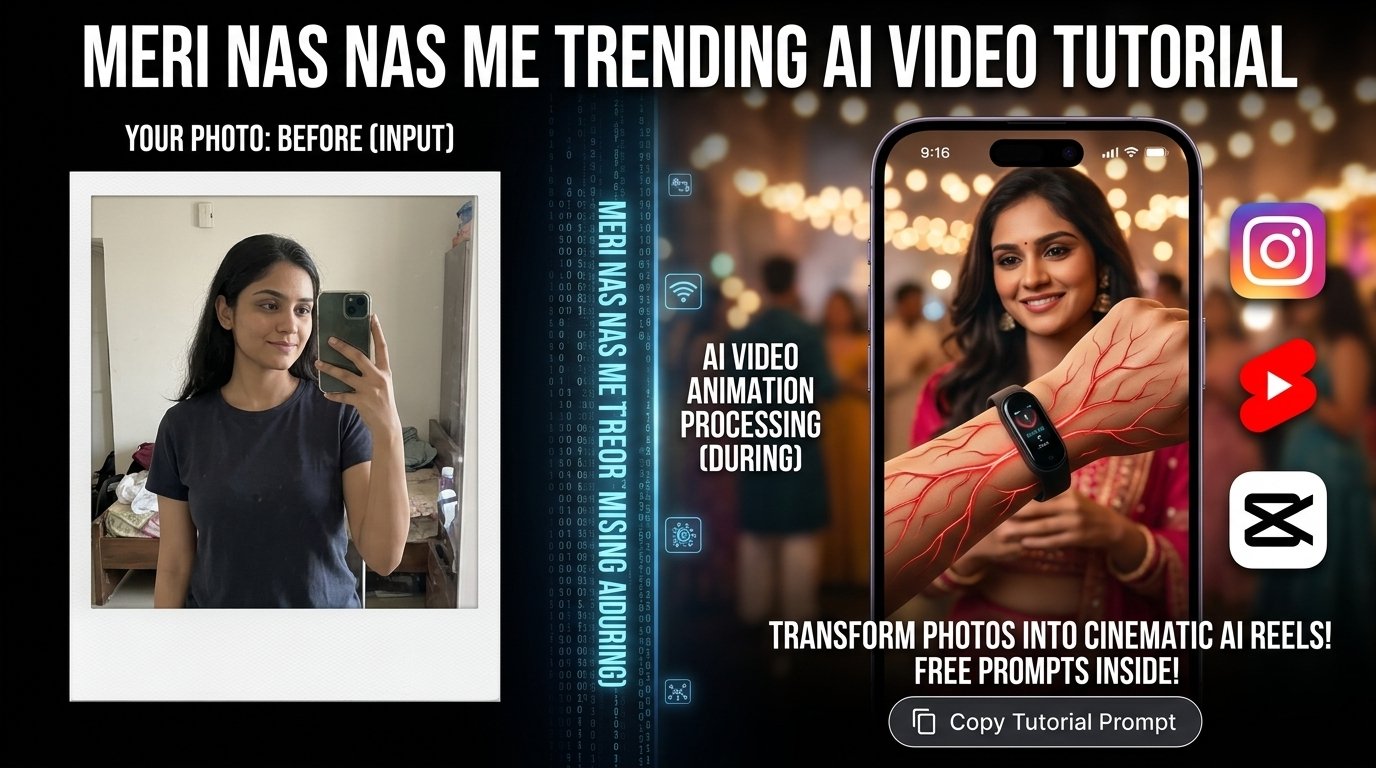
The Meri Nas Nas Me Trending AI Video Tutorial is a great way to learn how creators make eye-catching AI videos for Instagram Reels, YouTube Shorts, and other social media platforms. This trending video style is inspired by the popular “Meri Nas Nas Me” audio, which creators use to create emotional, cinematic, and visually attractive videos. With the help of AI tools and simple video editing techniques, you can create your own version without needing professional editing skills. Whether you are a beginner or an experienced content creator, this tutorial will help you understand how to create a similar video and make your content more engaging.
How to Create the Meri Nas Nas Me Trending AI Video
To create the Meri Nas Nas Me trending AI video, you first need to decide what type of visual style you want. You can use your own portrait, a romantic couple photo, an aesthetic character image, or a cinematic AI-generated image, depending on your creative idea.
- Select Your Image: Start by selecting a clear, high-quality image with good lighting and a suitable background.
- Animate with AI: Next, use an AI image-to-video tool to add natural movements, such as a slow camera zoom, subtle head movement, flowing hair, or cinematic transitions.
- Edit & Sync: Once your video clip is ready, import it into CapCut or another video editing application. Add the trending Meri Nas Nas Me audio, synchronize the visuals with the beat, and adjust the speed to match the mood of the song.
- Export: Finally, export the video in vertical 9:16 format for Instagram Reels and YouTube Shorts.
Interactive AI Video Animation Prompt Workspace
Click the copy button below to copy the ready-to-use motion prompt for your AI video generator.
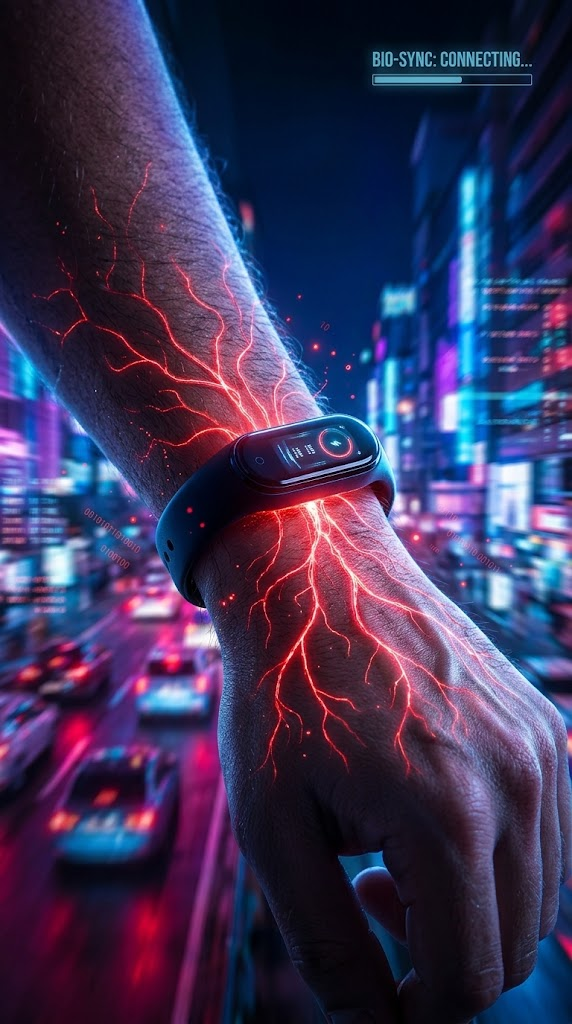
Create an ultra-realistic cinematic vertical video using the uploaded reference image as the primary visual reference. Preserve the subject’s original facial features, identity, hairstyle, skin texture, clothing, and overall appearance. Add subtle, natural body movements, gentle eye movement, realistic hair motion, and a smooth cinematic camera push-in. Use soft cinematic lighting, natural shadows, detailed skin texture, realistic depth of field, and a polished aesthetic color grade. Keep the movement smooth and emotionally expressive, suitable for a trending romantic or emotional music edit. Maintain realistic proportions, consistent facial details, and a clean composition throughout the clip. Avoid facial distortion, unnatural expressions, excessive motion, flickering, artificial skin smoothing, and unwanted changes to the original image. Create a vertical 9:16 video suitable for Instagram Reels and YouTube Shorts.
Best AI Tools for This Trending Video
Choosing the right AI tool can make the Meri Nas Nas Me AI video creation process much easier.
- AI Image Generators: Use these to create cinematic portraits or prepare a suitable image using your existing photograph.
- Image-to-Video Tools: Animate your source image with realistic motion and camera effects.
- CapCut: A useful option for video editing because it provides music synchronization, transitions, speed controls, filters, and text animations.
Pro Tip: If you want to preserve your original face, choose a tool that supports reference images and use settings that prioritize identity preservation.
Editing Tips to Make Your Video More Attractive
After generating your AI video, the next step is to make it visually appealing through careful editing:
- Import the clip into CapCut and trim it to match the most recognizable part of the Meri Nas Nas Me audio.
- Use a slow-motion effect or subtle speed adjustments where appropriate, but avoid adding too many transitions.
- Apply a consistent color grade with balanced contrast, natural skin tones, and soft highlights.
- Add a gentle zoom effect to make a still or animated portrait feel more cinematic.
- Use beat markers to align important visual changes with the music.
- Keep text minimal so that it does not distract viewers from the main subject.
- Preview the entire video before exporting to check for awkward AI movements, blurry frames, or mismatched audio timing.
How to Export and Share Your AI Video
Once your editing is complete, export the Meri Nas Nas Me trending AI video using a resolution of $1080 \times 1920$ pixels and a vertical 9:16 aspect ratio.
- Frame Rate: 30 FPS is generally suitable for standard social media videos.
- File Size: Choose a good-quality export setting to keep the video clear without creating an unnecessarily large file.
- Captions & Hashtags: Write a short caption related to the trend and add relevant hashtags such as
#MeriNasNasMe,#AIVideo,#AIEditing,#TrendingReels, and#CapCutEditing.